Professional ISTA Tooling

Precision Diagnostics
Simplified

Enterprise-grade license management and intelligent update tools for BMW ISTA — built by specialists, for specialists.

Products

Two Tools, One Ecosystem

Everything you need to manage BMW ISTA installations — from license provisioning to data updates — in a seamless workflow.
ISTA Installation & License

ISTA License Manager

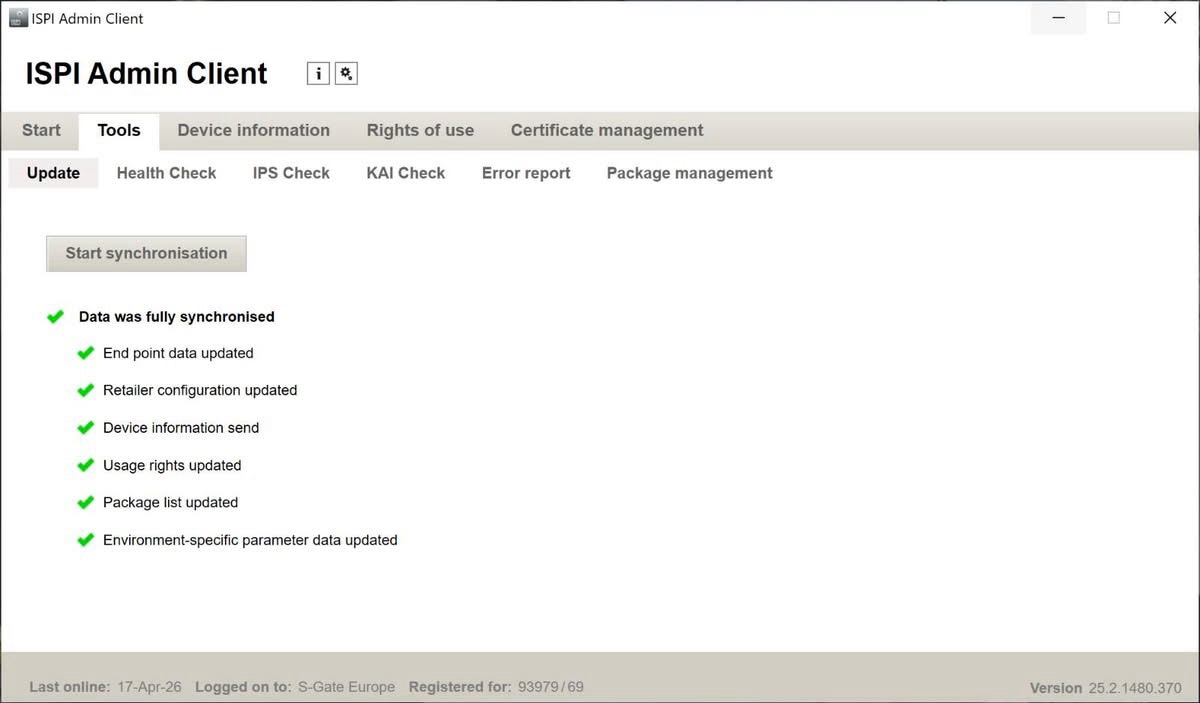
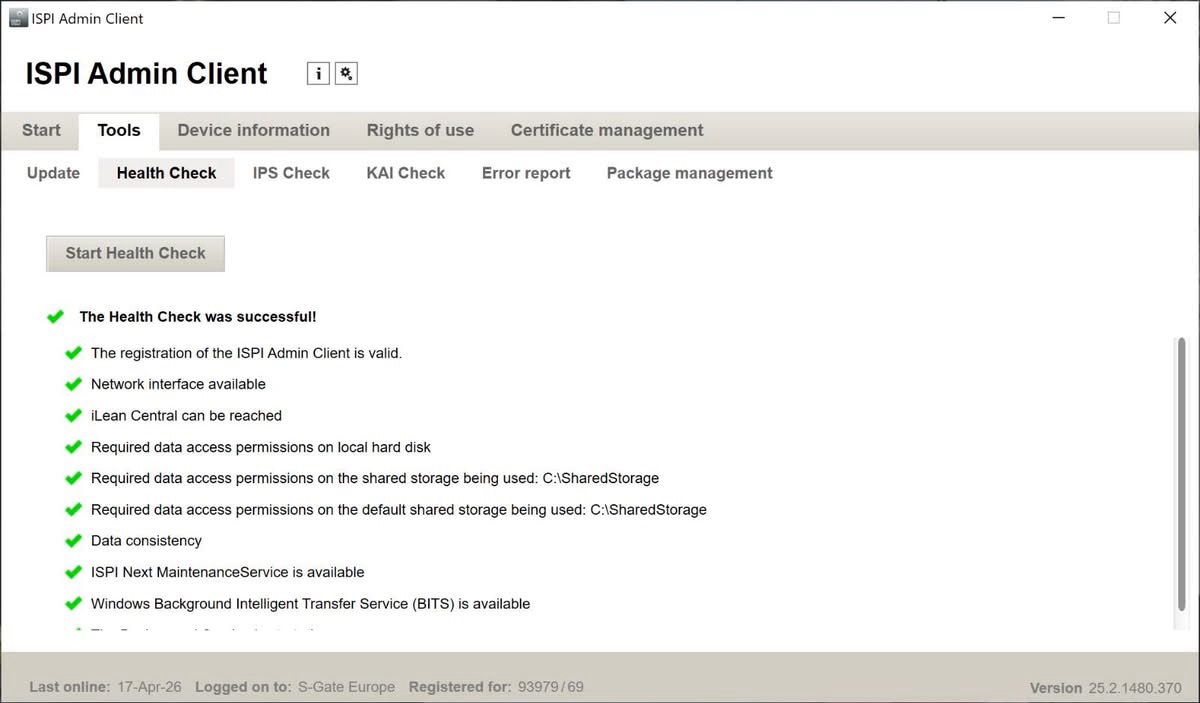
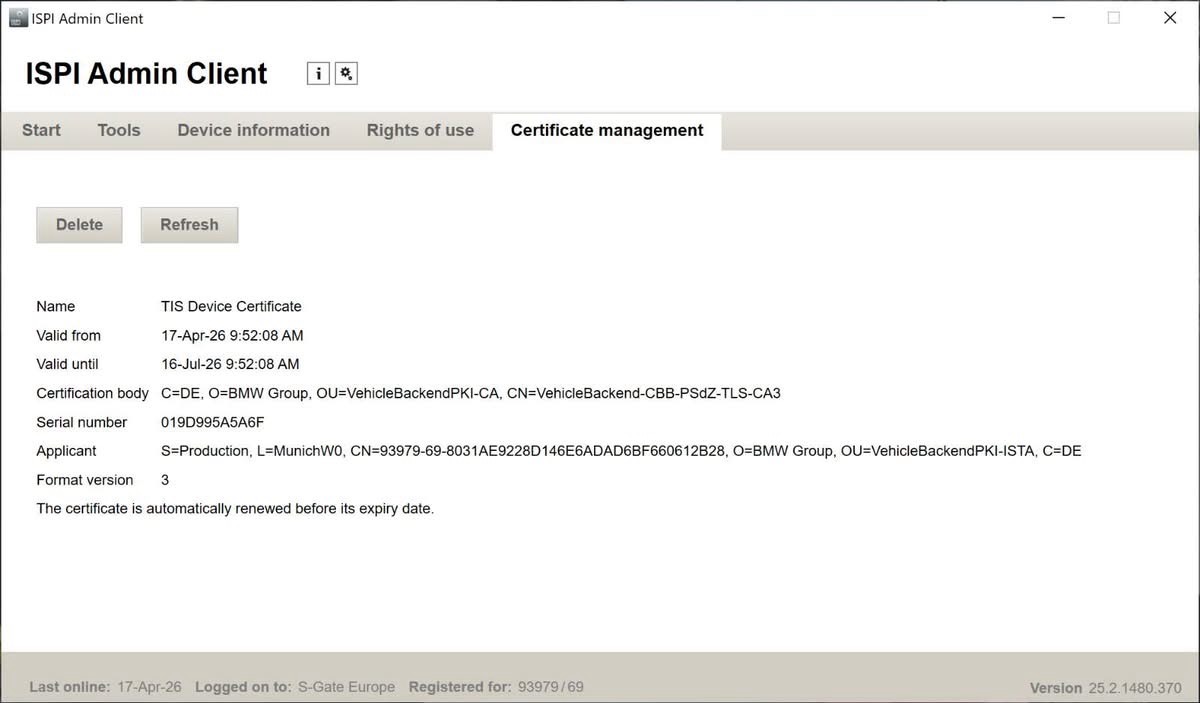
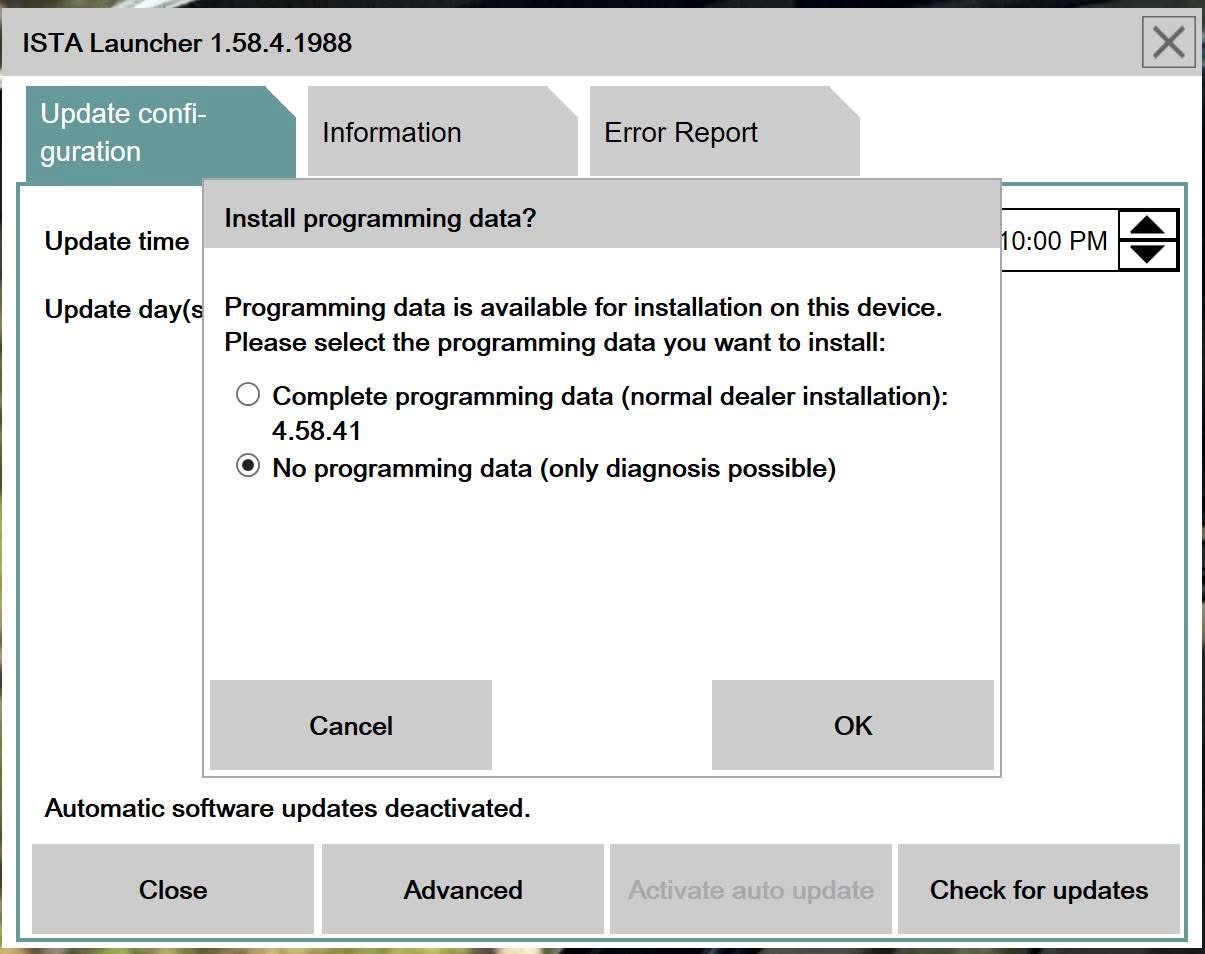
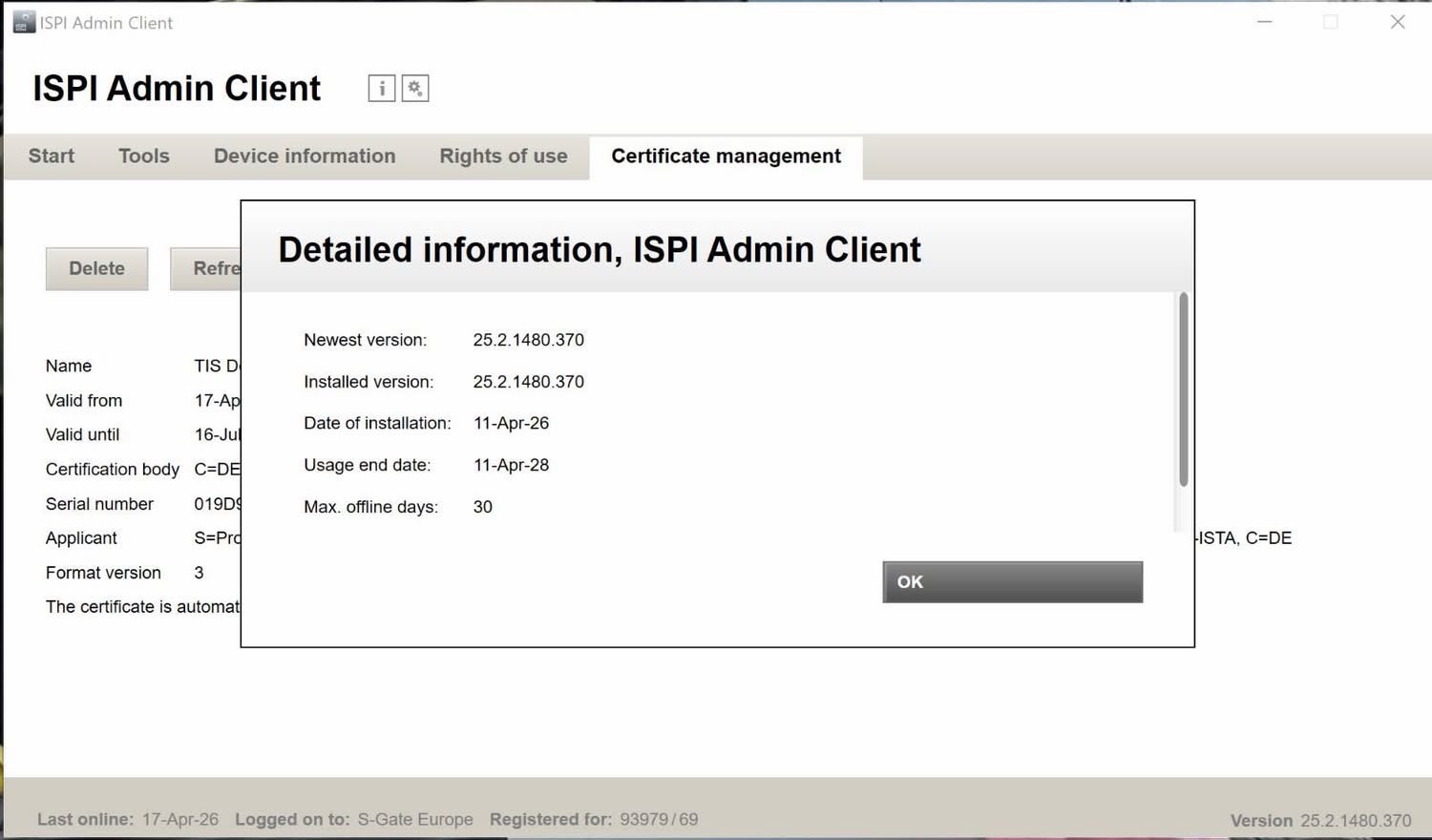
Uses native ISPI Admin and Launcher for installing and updating the newest data. No file modifications required — everything runs using official native BMW software.

  • Manage license expiration dates directly through ISPI Admin
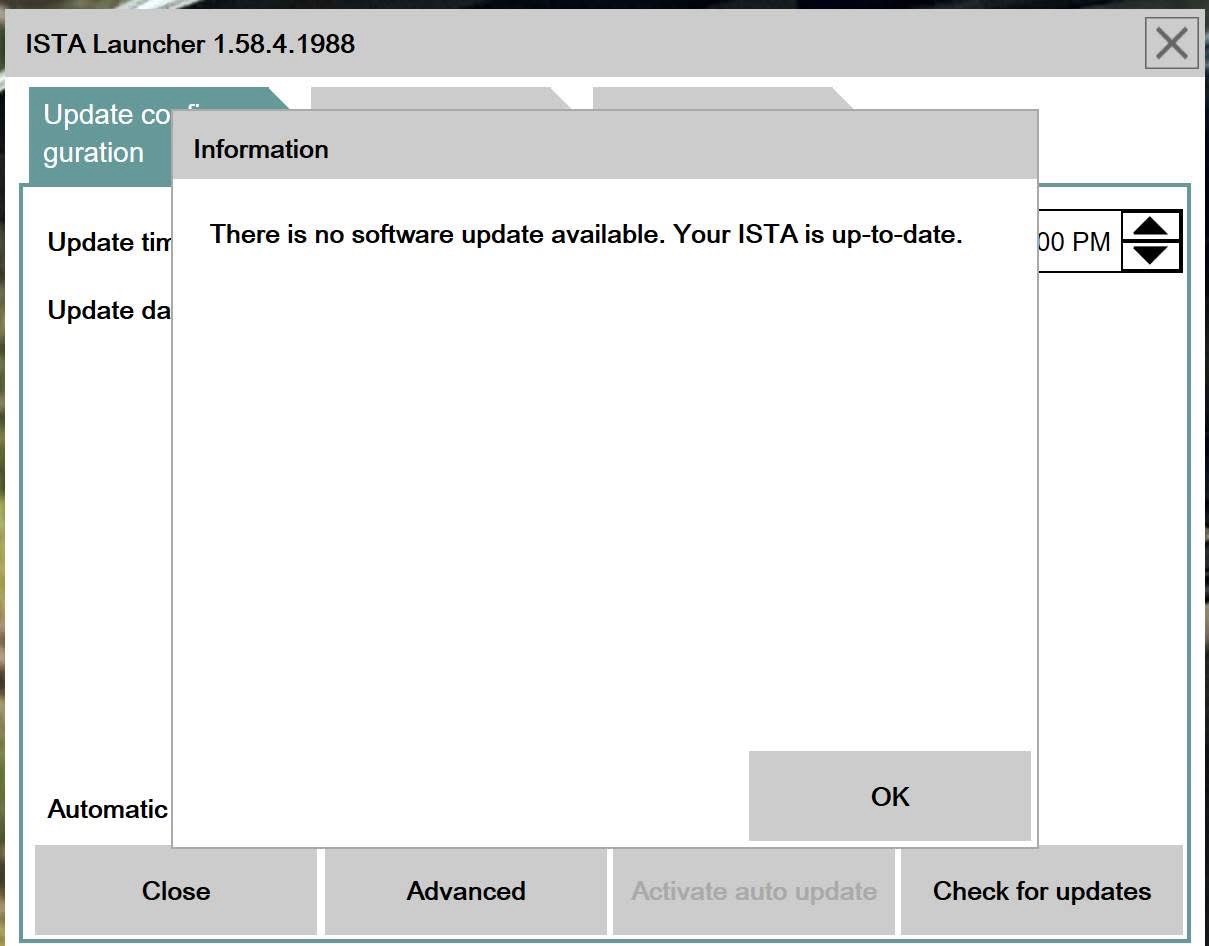
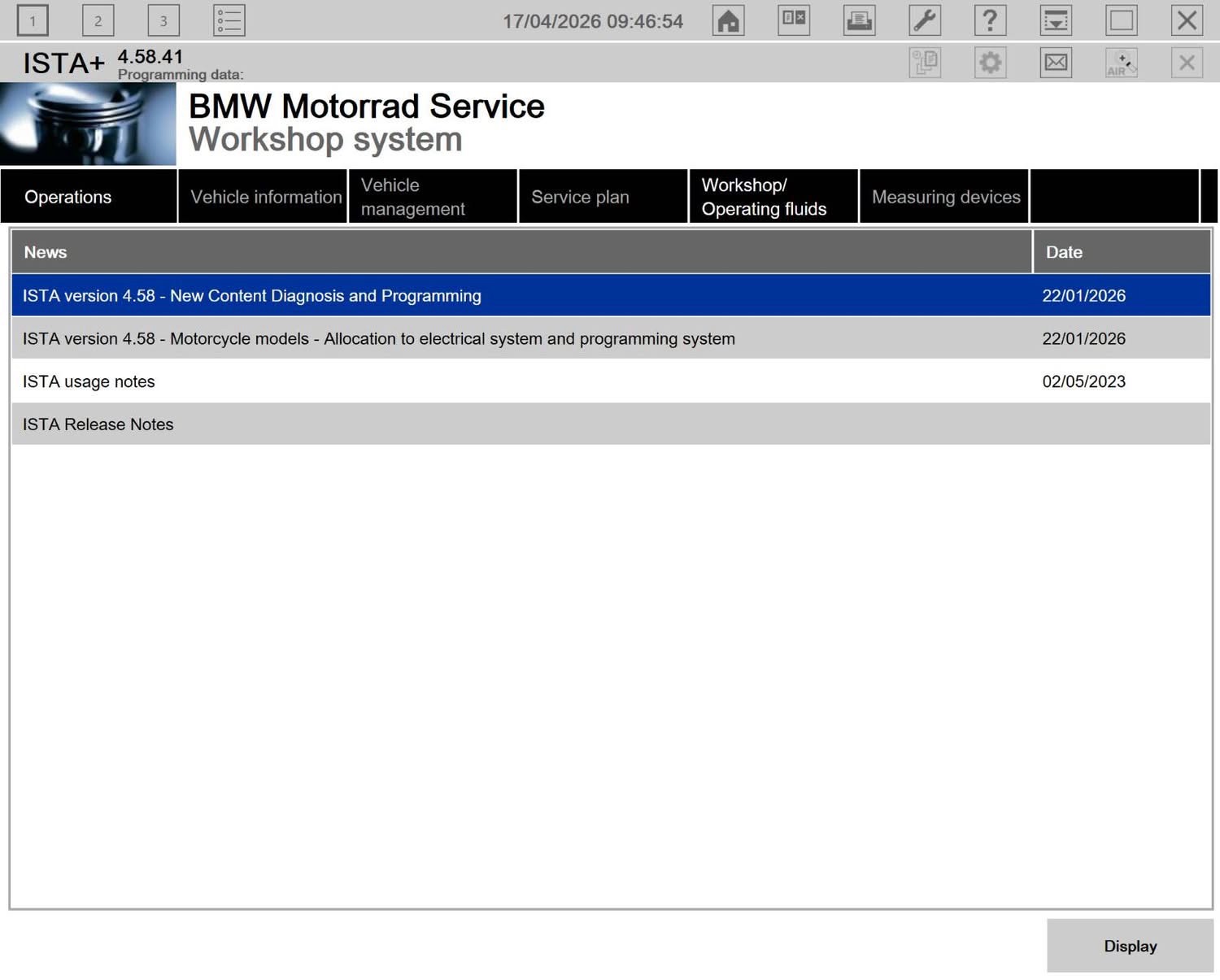
  • Install and update ISTA via Launcher
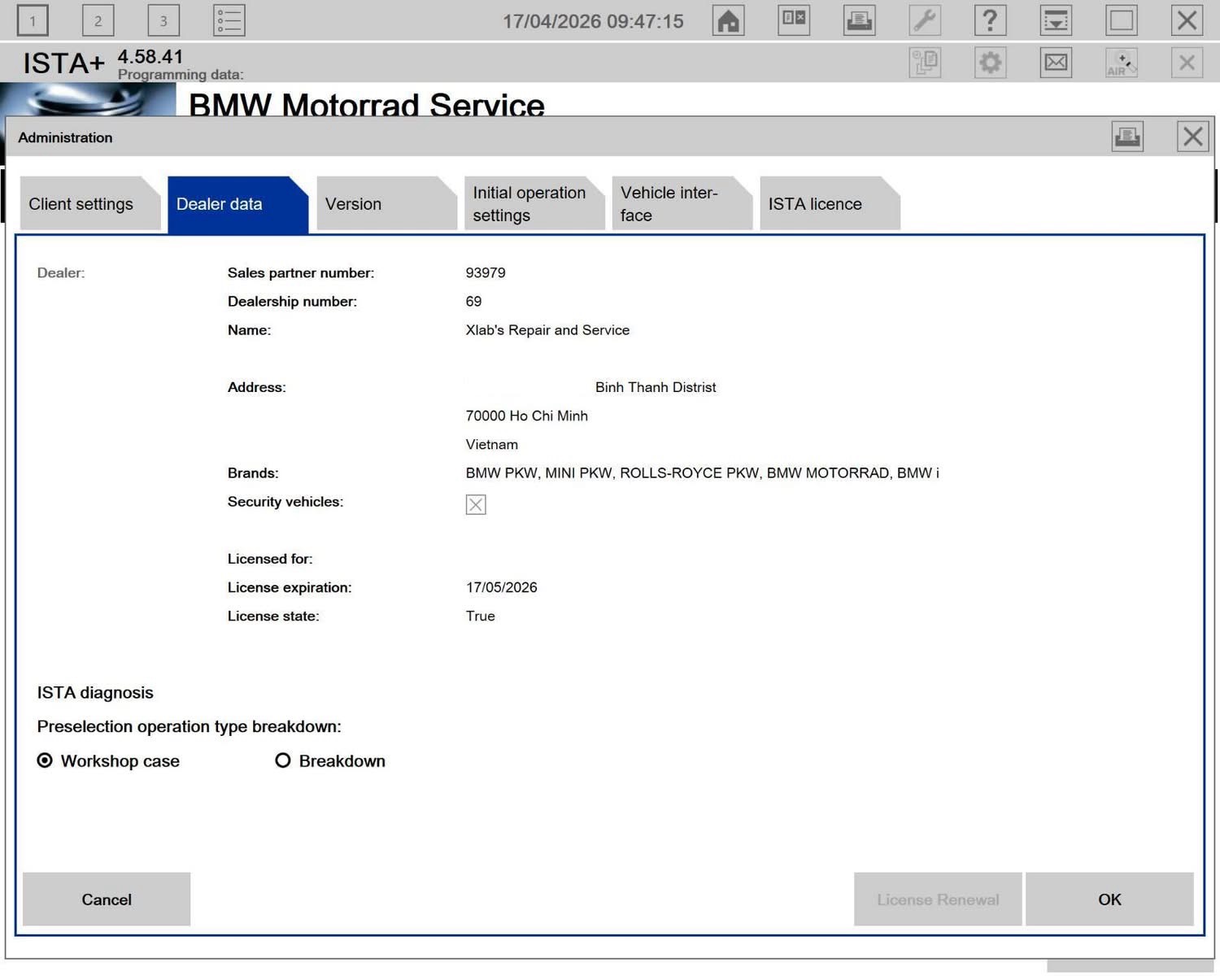
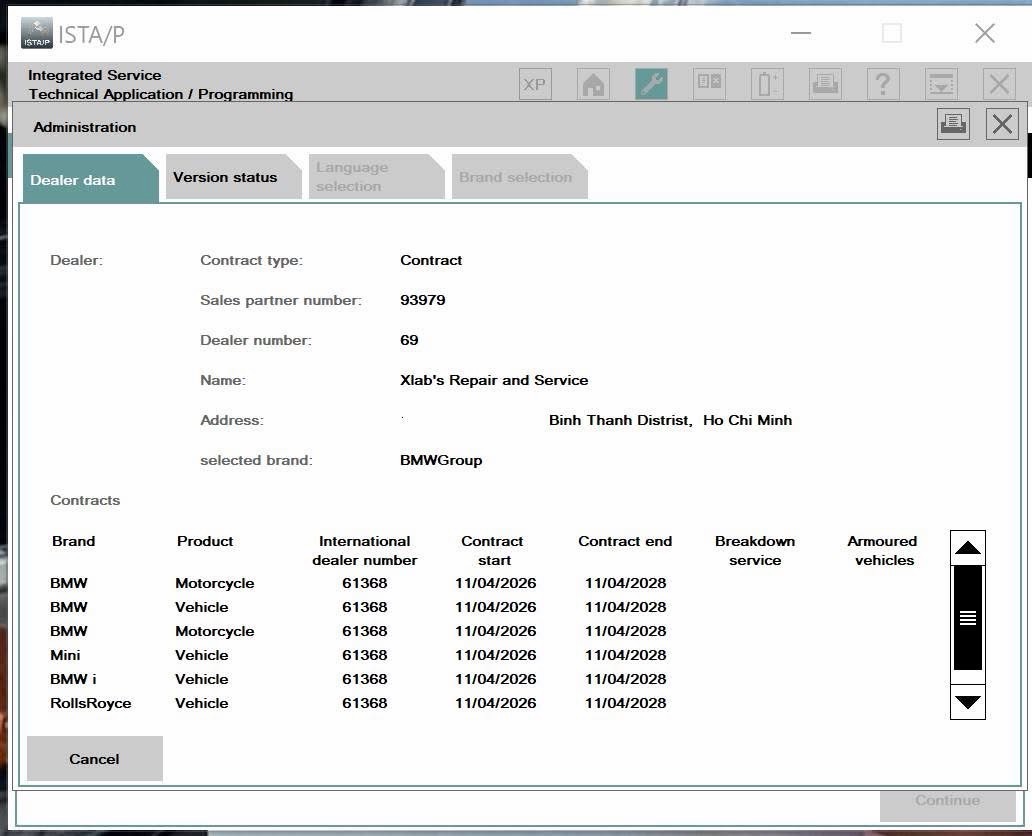
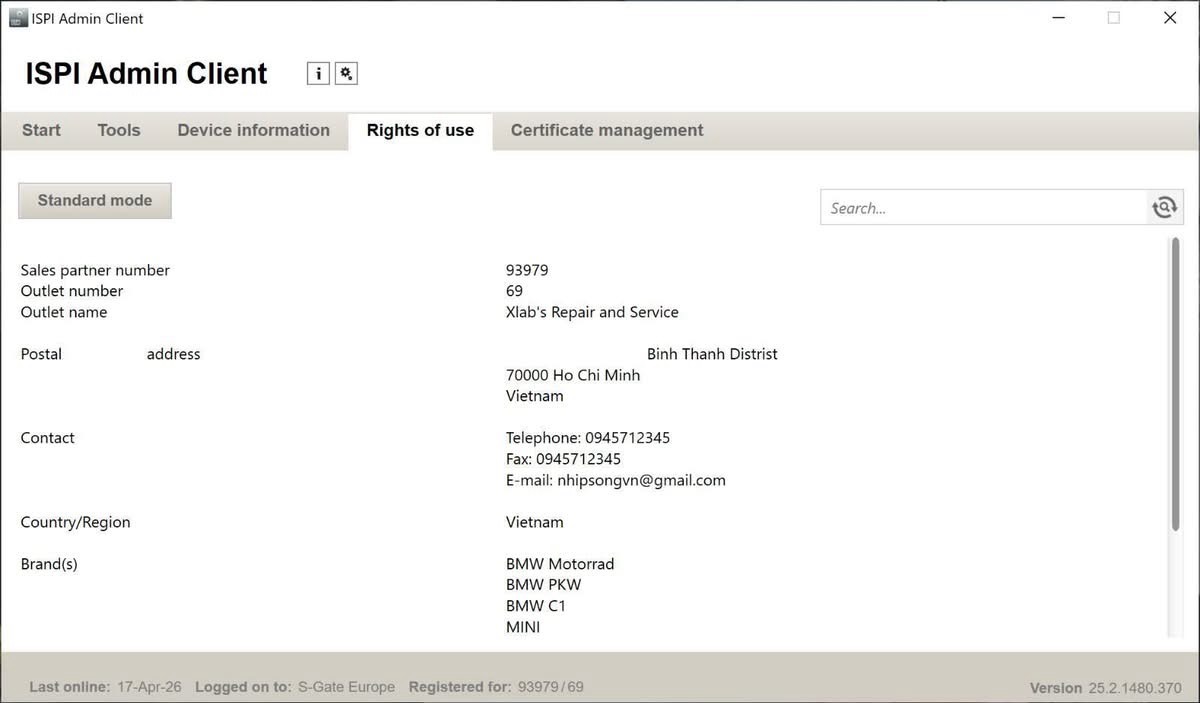
  • Display your Workshop / Personal Information in ISPI Admin & ISTA Settings
  • Full Online Installation Support available
  • Supports All Languages
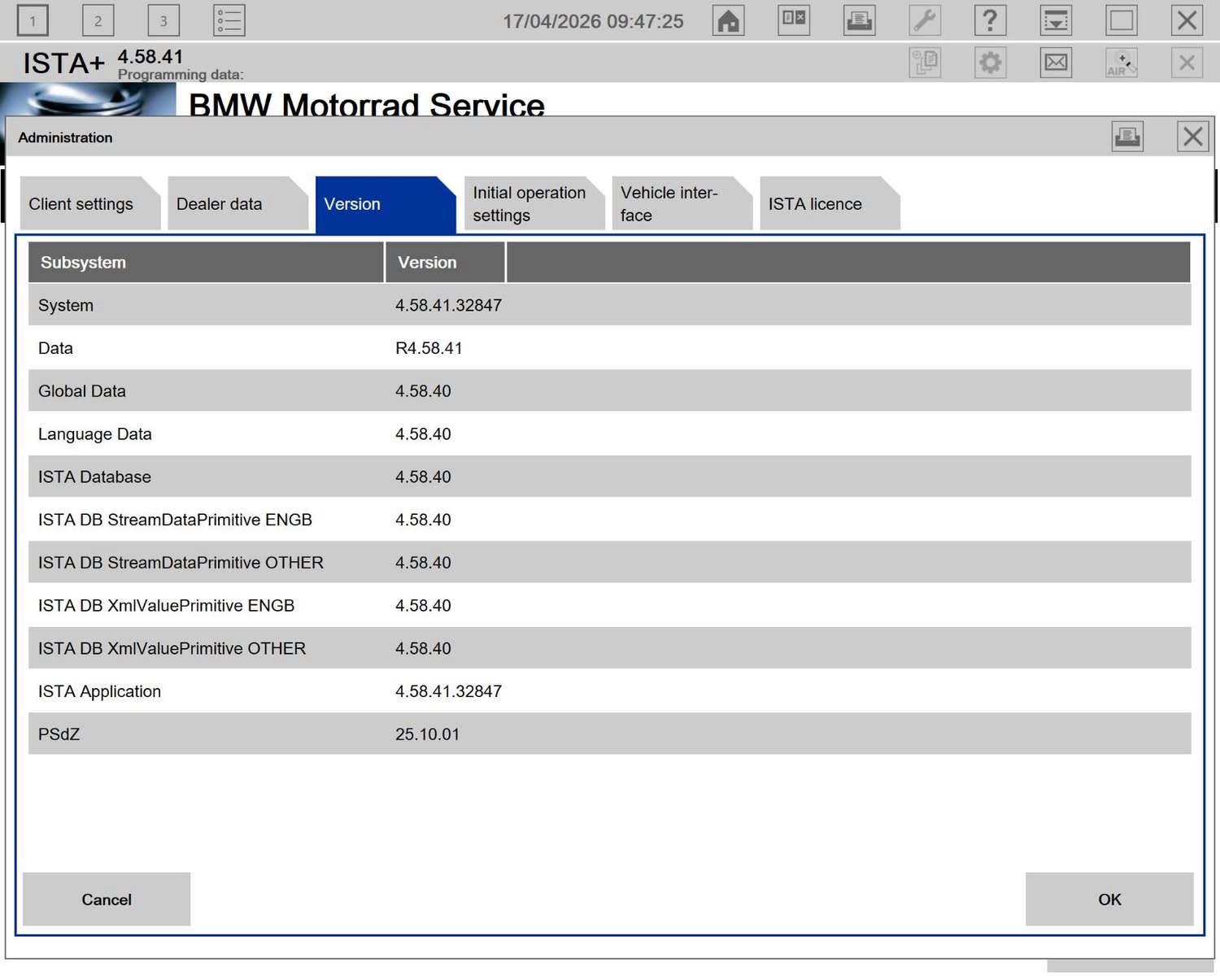
  • Real-Time Updates with newest data from BMW during subscription
1 / 2 / 5 Year Subscriptions Standalone option available
Register Now

System Requirements

Operating System

  • Min of Windows OS: Win10 22H1 or you must ensure to activate TLS v1.2.

Hardware / Software Requirements

  • Processor (CPU): Intel Pentium 2.6 GHz, Core Duo 2.6 GHz or better.
  • Memory (RAM): 8 GB (Recommended 16 GB).
  • Hard drive (HDD):
    • 2 TB of free space if programming data is needed.
    • 1 TB if only diagnostic data is needed.
    • Ensure you have enough space to install the program before purchasing!
  • .NET Framework 4.8 or higher.
  • Updated OS Windows.

Interface Requirements

  • You need a Mega account lite to download data.

Compatible Interfaces

  • ICOM (OEM Next A), K+D-CAN USB, and E-net Interfaces.
  • AOS version with Pass-Thru.

Important

  • Native Installation (No VMWare).
  • After installation, the license will be locked to your computer's hardware ID (HWID) and cannot be changed. You should consider upgrading your computer's configuration before sending us your HWID.

ISTA Installation Guide

Please follow the steps below carefully to install ISTA correctly.

Step 1 — Create Shared Storage Folder

  • Create the folder: C:\SharedStorage
  • If the folder already exists, delete all files inside.
  • Remove files from previous installations.

Step 2 — Download Installation Files

  • Download ALL files from the provided links.
  • Place ALL downloaded files into C:\SharedStorage
  • Make sure all files are in the same folder.

Step 3 — Remove Previous ISTA Installation

  • Uninstall any existing ISTA installation.
  • Clear all ISTA-related registry entries.
  • Restart your computer (recommended).

Step 4 — Install ISPI Admin & Launcher

  • Navigate to C:\SharedStorage
  • Install newest ISPI Admin.
  • Install Launcher.

Step 5 — Install License

  • Double-click the license file.
  • Wait for installation to complete.

Step 6 — Install ISTA

  • Open ISPI Admin.
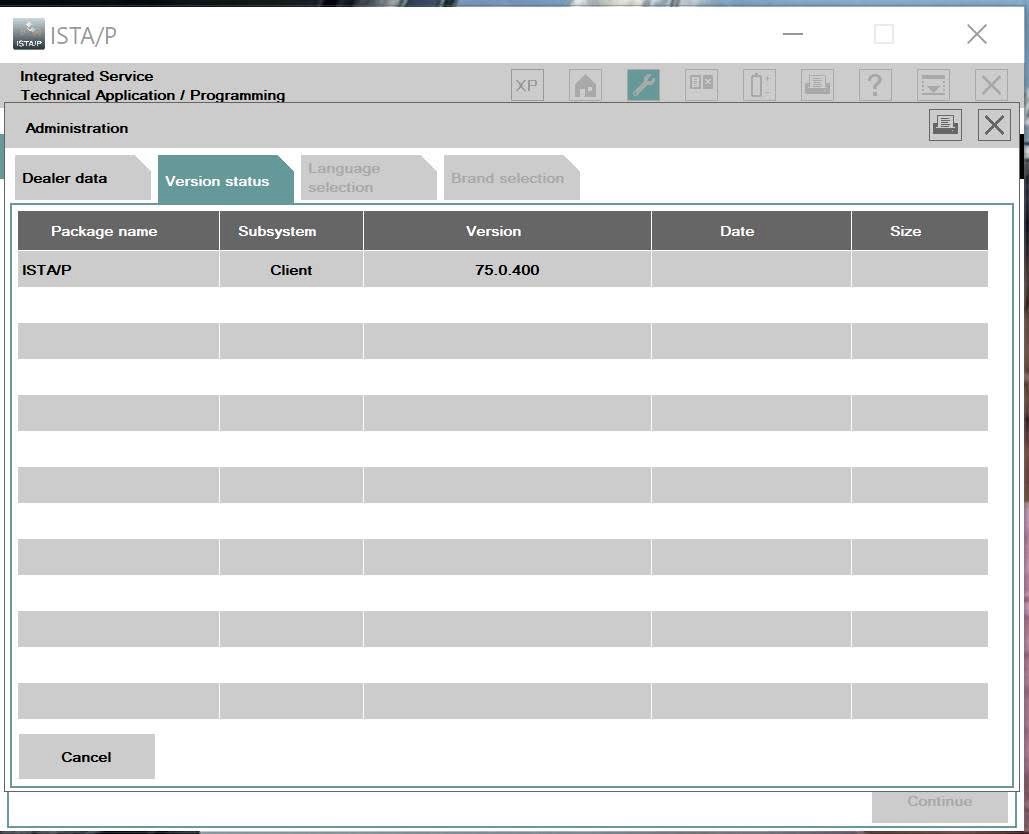
  • Verify your information appears correctly.
  • Open Launcher.
  • Install ISTA from Launcher.

Installation Complete

After installation finishes, you can launch ISTA normally.

Desktop Application · v2.3.0

ISTA Update Manager

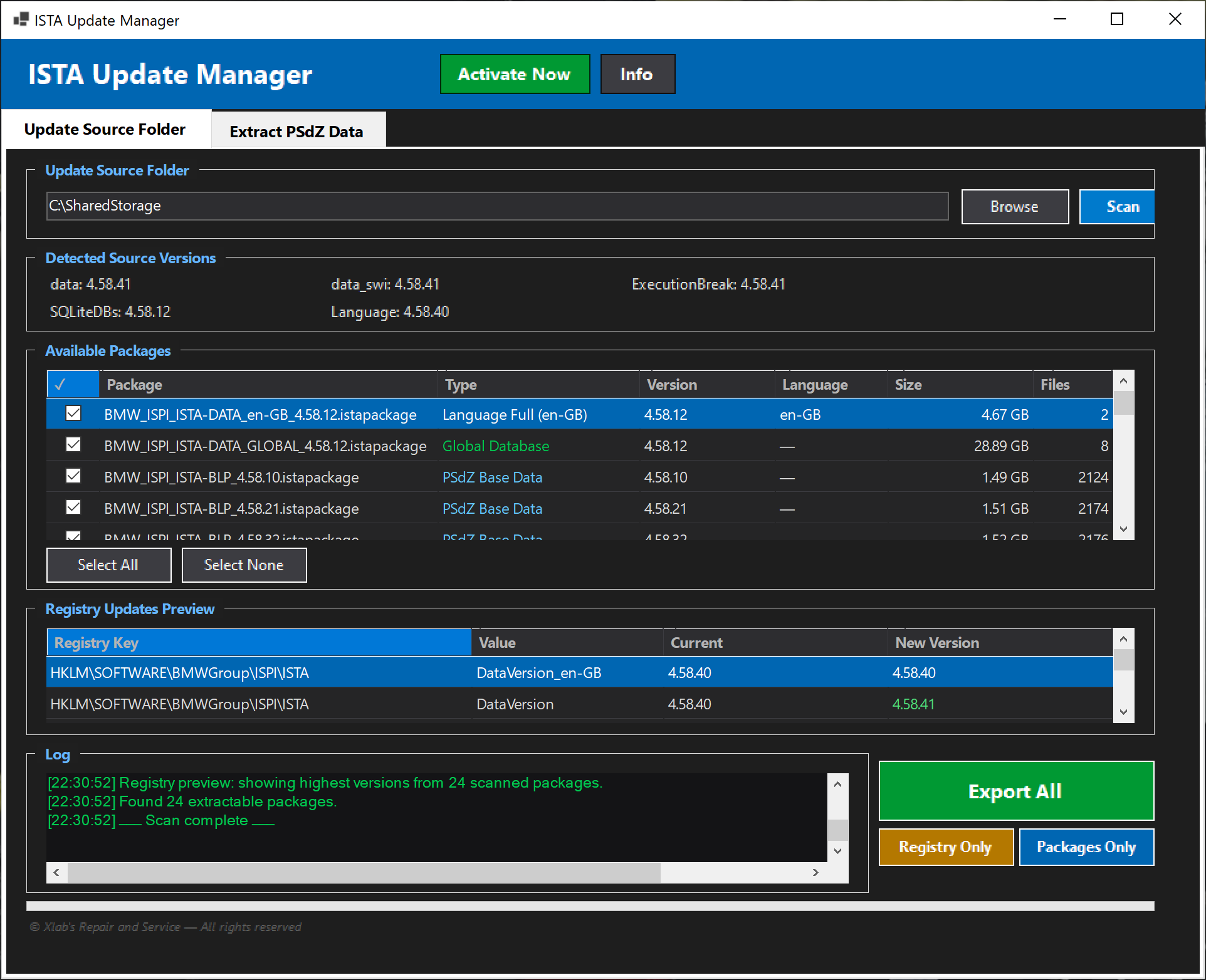
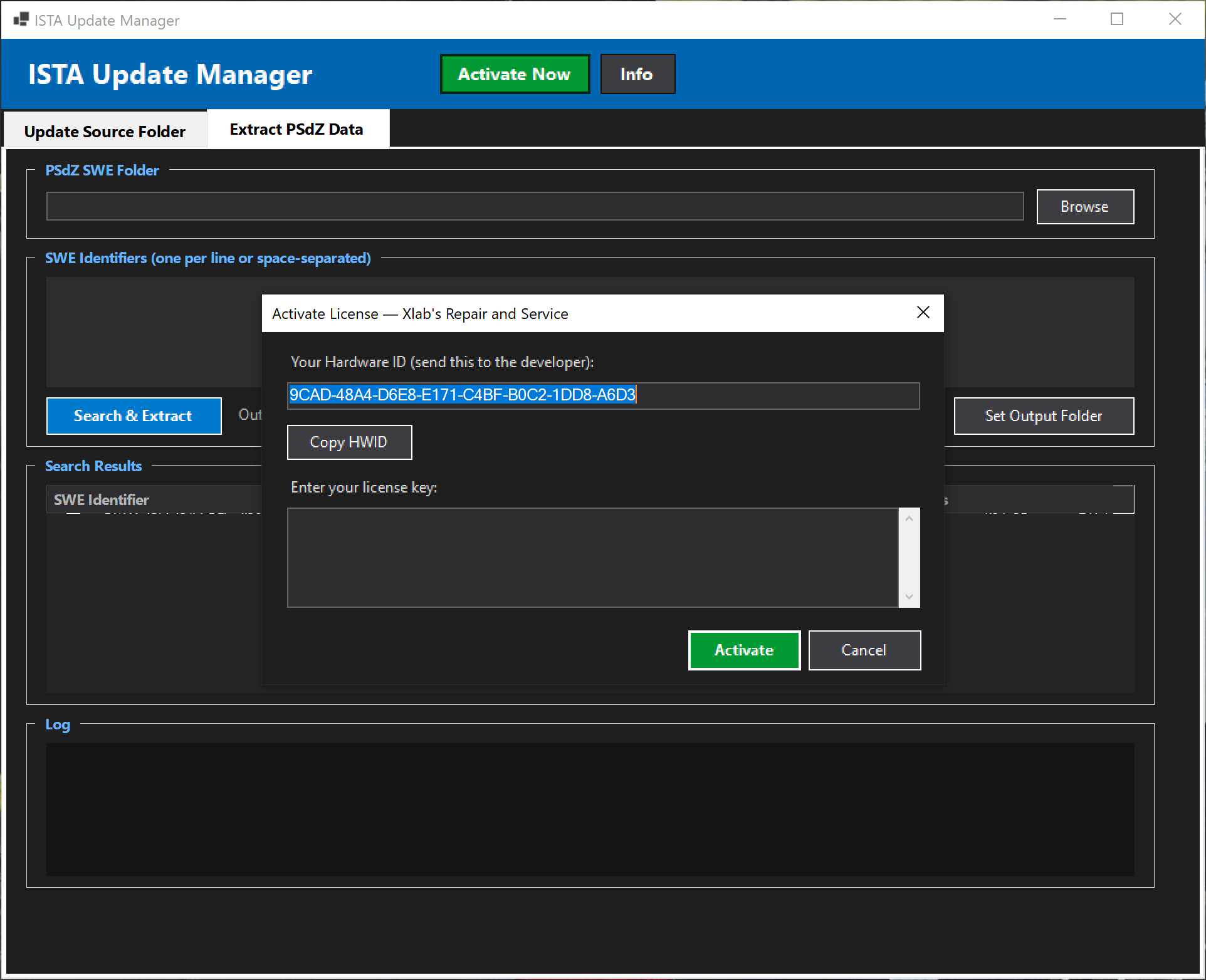
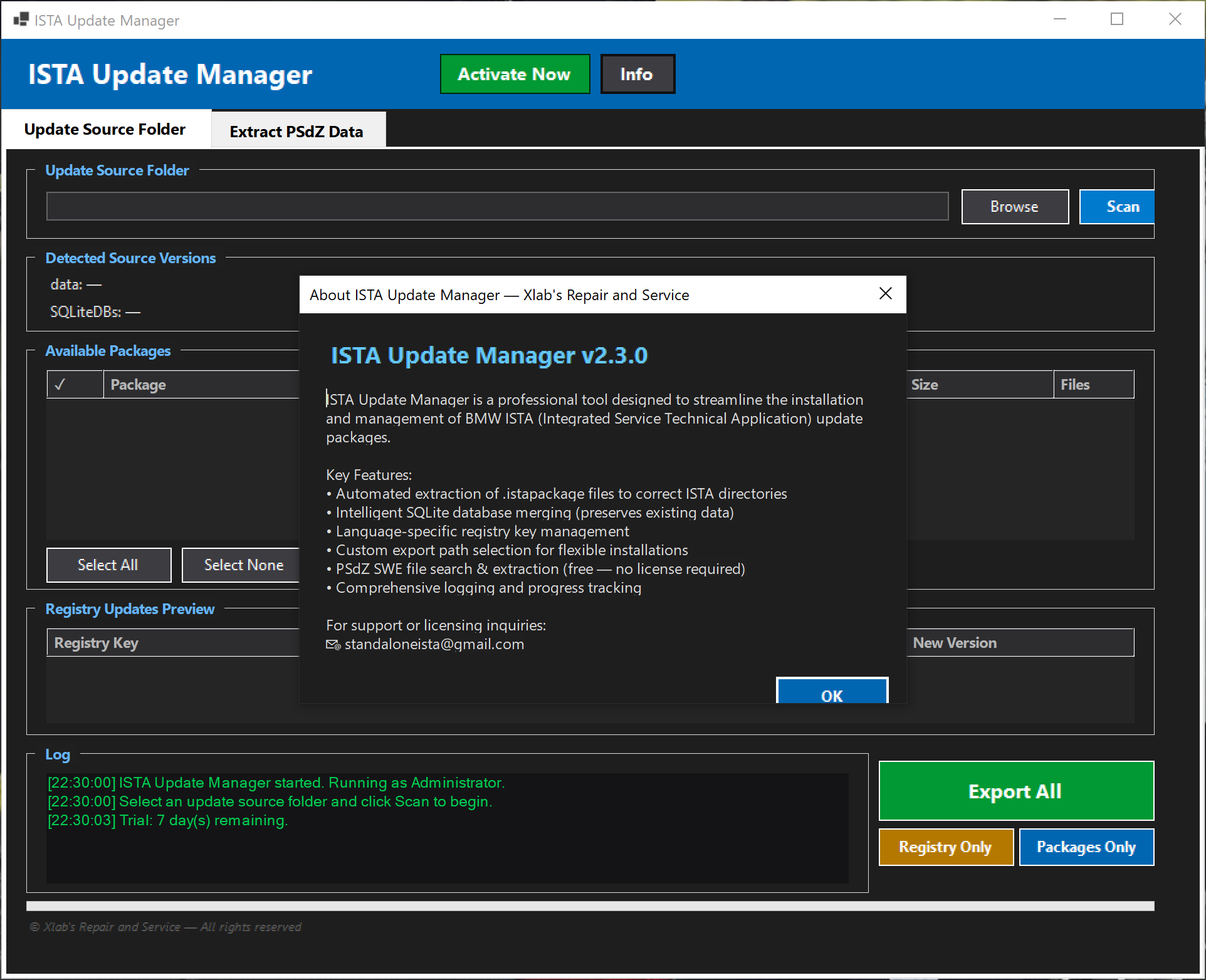
ISTA Update Manager is a professional tool designed to simplify the installation and management of BMW ISTA update packages. It directly updates iStaPackage files into your existing ISTA database — processed sequentially and safely, ensuring your current files remain intact.

  • Automatic extraction of iStaPackage files to the correct ISTA directories
  • Intelligent SQLite database merging (preserves existing data safely)
  • Language-specific registry key management
  • Custom export path selection for flexible installation setups
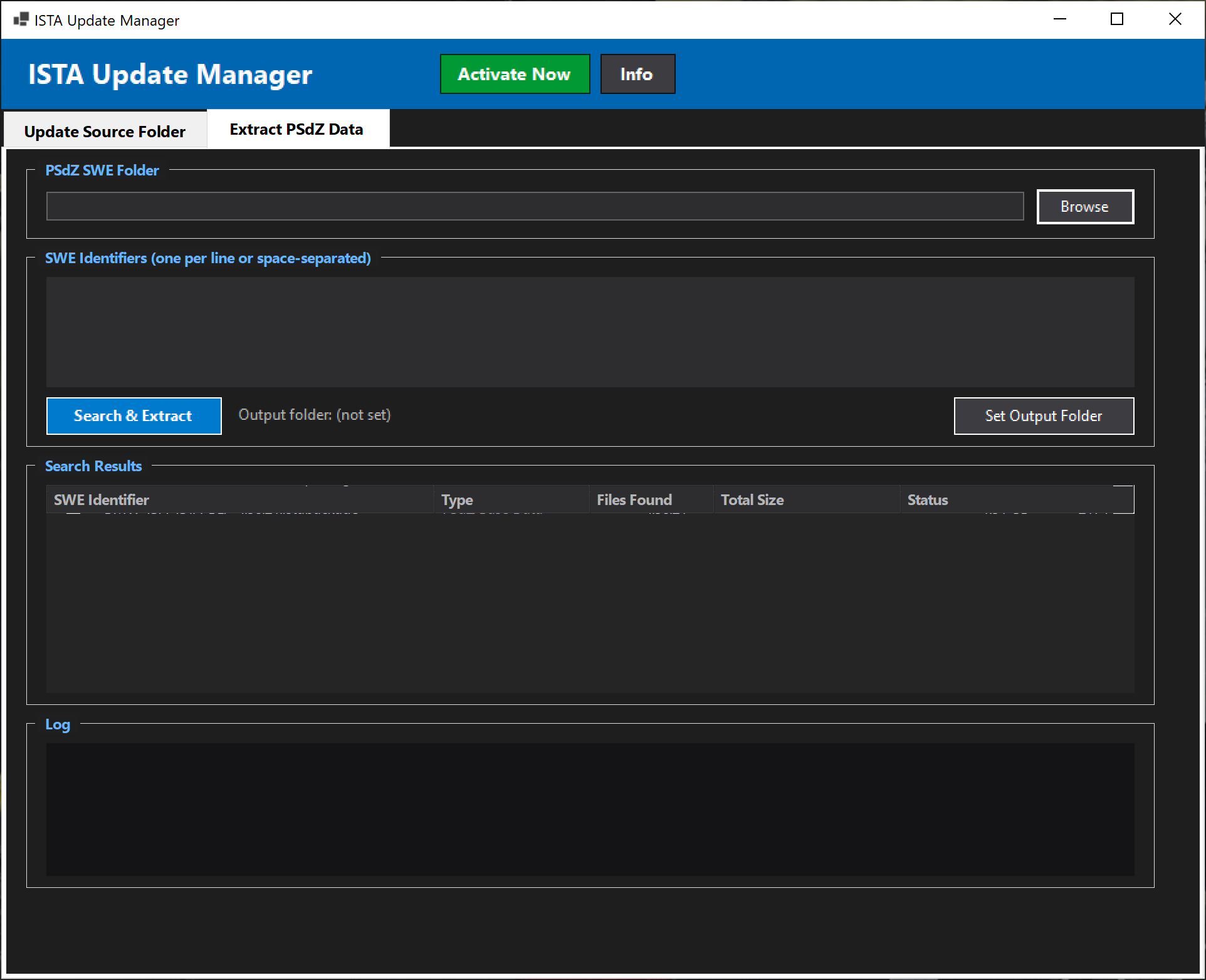
  • PSdZ SWE file search & extraction (Free — No license required)
  • Detailed logging and real-time progress tracking
  • Safe and stable update process (no file corruption)
7-day free trial PSdZ export — lifetime free
Download

Why Xlab

Built for Real-World Workshops

Every feature is designed from hands-on experience with BMW ISTA diagnostics and repair workflows.

Native BMW Software

Uses official ISPI Admin and ISTA Launcher — no file modifications required. Install and update via the same tools BMW dealers use.

Online Installation

Full online installation support with real-time updates from BMW. Choose 1, 2, or 5-year subscription plans with all languages supported.

One-Click Deployment

Download a single installer ZIP, run the CMD, and your ISTA client is configured — admin elevation, registry entries, and config files handled automatically.

Package Intelligence

Automatic scanning classifies every .istapackage by type (BLP, SDP, Global, Delta) and extracts version info from filenames — no manual sorting needed.

ISTA Standalone

Don't want an online subscription? Standalone ISTA is available with workshop name customization in the ISTA title bar — works completely offline.

Flexible Configuration

Display your workshop and personal information in ISPI Admin and ISTA Settings. Manage license dates, export paths, and SharedStore modes per setup.

Ready to get started?

Register for a license to start using BMW ISTA with full online support.

Register Now Meet the Team